What Is the Best Wireless Security Camera? Expert Picks and Buying Guide
If you're looking for the best wireless security camera, the Arlo Pro 5S consistently stands out for its impressive 2K video clarity, reliable battery life, advanced AI motion detection, and smooth wireless performance. This model offers seamless integration with smart home ecosystems, local and cloud storage options, and robust night vision. Its flexible mounting allows coverage for both indoor and outdoor spaces, making it a trusted favorite among security professionals and tech-savvy homeowners.
Choosing a wireless security camera isn't only about video quality. The peace of mind these devices bring depends on how well they notify you of threats, withstand weather, and respect privacy—while fitting your tech ecosystem and budget. These cameras serve as eyes when you're away and a deterrent against would-be intruders, bringing real protection to your doorstep or business.
In this guide, you'll find expert reviews of the best wireless security cameras, a comparison of top brands, and a breakdown of essential features. From smart alerts to night vision and storage options, we’ll help you decide which camera fits your needs, work through installation basics, and answer the most common questions.
Key Features to Look For in the Best Wireless Security Camera
Video Resolution and Field of View

High-resolution video is crucial for identifying faces and details. The best wireless security cameras typically offer at least 1080p clarity, with premium models like the Arlo Pro 5S and Google Nest Cam supporting 2K or even 4K resolution. Field of view matters too—a wide-angle lens covers more area, minimizing blind spots and reducing the number of cameras you need.
If you want comprehensive coverage of your yard or driveway, look for a camera offering at least a 120-degree field of view. Some top-rated wireless security cameras adapt digitally to pan or track movement, amplifying their effectiveness in monitoring vulnerable areas.
- Minimum 1080p for clear footage
- Wide-angle (120°+) lens
- Digital pan/tilt/zoom on select models
Motion Detection and Smart Alerts

Effective motion detection separates real threats from harmless activity. The latest cameras use AI to distinguish between people, vehicles, and animals, minimizing false alarms and providing relevant alerts. Integration with your phone or smart speaker can speed response times.
Look for customizable motion zones and schedule settings. This way, you'll only get notified when activity happens in areas that matter—like the front door during nighttime hours.
- AI-powered detection reduces false alerts
- Set custom activity zones
- Real-time push notifications
Installing the Best Wireless Security Camera
Indoor vs. Outdoor Cameras
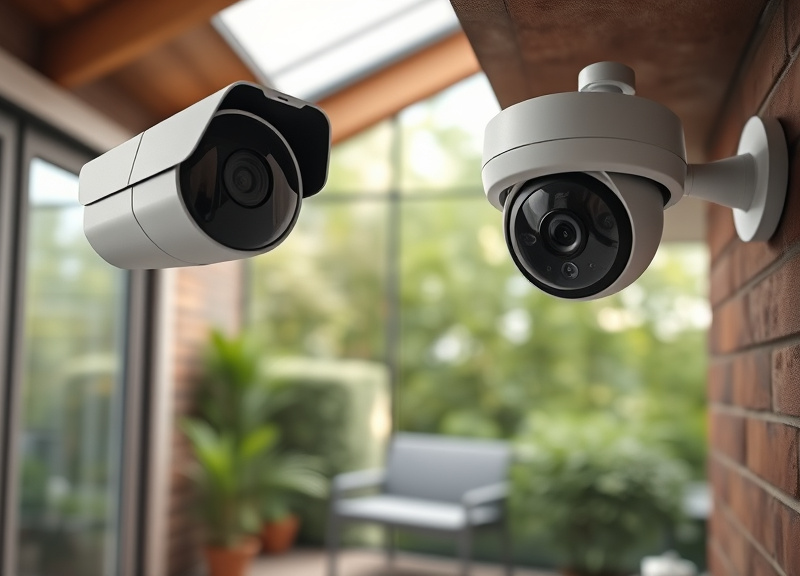
Not all top-rated wireless security cameras are designed for the same environment. Outdoor models must withstand rain, wind, and extreme temperatures, with IP65 or higher weatherproof ratings. Indoor cameras focus more on discreet design and plug-and-play setup, often connecting directly to wall power.
Consider where you need surveillance most and choose accordingly. Outdoor placement requires reliable WiFi range, while indoor units may benefit from built-in microphones for two-way audio.
- Check for weather resistance (IP65+ recommended)
- Outdoor units may need higher battery capacity
Mounting and Powering Your Camera
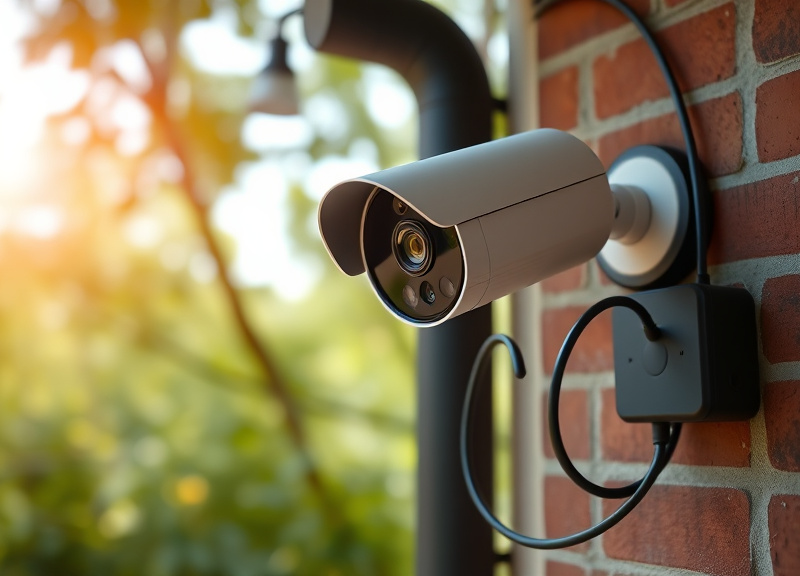
Wireless cameras minimize wiring hassle, but mounting matters. Battery-powered options offer ultimate flexibility for placement, but require recharging every few months. Some systems support solar charging for near-maintenance-free operation.
Wall or eave mounting is easiest with included screws, while magnetic mounts allow for easy repositioning. Always test your WiFi signal before permanent installation.
- Rechargeable batteries vs. solar options
- Test signal strength at mounting site
- Magnetic or screw-down mounts
Connectivity and Smart Home Integration
WiFi Standards and Range
For the best wireless security camera experience, reliable WiFi is essential. Cameras supporting dual-band (2.4GHz and 5GHz) connections offer resilience against interference. Long-range transmission is critical for outbuildings or multi-story homes. Top-rated wireless security cameras typically have WiFi range up to 300 feet in open space.
Assess your router’s proximity and potential obstacles. Mesh WiFi systems or range extenders may be necessary to prevent dropouts—especially for perimeter installations.
- Dual-band WiFi recommended
- 300+ feet open-air range on premium models
For more on this, see our related guide: How to Connect Security Camera to Phone: A Step-by-Step User Guide.
Integrating With Smart Home Platforms
Modern security cameras are not standalone devices. Integration with platforms like Amazon Alexa, Google Assistant, and Apple HomeKit allows hands-free control and automated routines. For example, trigger lights when motion is detected or view the feed on a smart display.
Compatibility varies: Always check for seamless integration with your preferred ecosystem. Some models also offer IFTTT support for advanced automation.
- Voice control via Alexa or Google Assistant
- HomeKit compatibility on some brands
- IFTTT automation for custom workflows
Storage and Privacy Concerns With Wireless Security Cameras
Local vs. Cloud Storage
How your camera stores footage is critical. Cloud storage offers convenience and off-site protection against theft, but usually requires a subscription fee. Local storage—via microSD card or a base station—gives you direct access to recordings and more privacy.
Some cameras offer hybrid solutions, letting users choose local for sensitive recordings and cloud for general surveillance. Weigh subscription costs and potential security trade-offs.
- Cloud storage provides remote access
- Local storage avoids monthly fees
- Hybrid options available
Encryption and Data Security
Any data sent over WiFi or to the cloud must be encrypted. Look for end-to-end encryption to protect live streams and recordings. Two-factor authentication adds an extra layer of safety from hackers targeting your account.
Manufacturers like Arlo and Eufy have transparent privacy policies—always check details before purchasing.
- End-to-end encryption is a must
- Look for reputable privacy practices
- Enable 2FA on your camera account
Cost and Subscription Considerations for Wireless Security Cameras
Upfront Device Pricing
Entry-level wireless cameras start around $70, while advanced models exceed $200 each. Prosumer cameras with 2K/4K video, smart alerts, and robust construction tend toward the higher end. Sometimes, multi-camera starter kits offer better value per unit.
Factor in any required hub or base station—some brands need this for local storage or extended range, impacting your final investment.
- Basic models: $70-$120
- Premium: $180+
- Starter kits may reduce per-unit cost
For more on this, see our related guide: How to Hide a Security Camera in a Window Without Obstructing the View.
Ongoing Subscription Fees
Most top-rated wireless security cameras offer basic functionality for free, but advanced features like cloud storage, person detection, and custom alerts often require a monthly or yearly plan. Subscription pricing ranges from $3 to $15/month per camera, with family or multi-device bundles providing some savings.
Assess which features are truly essential to you before committing—sometimes free local storage is enough.
- Cloud plans $3–$15/month
- Multi-device discounts available
- Some brands offer free local storage
Popular Brands and Models: What Is the Best Wireless Security Camera?
Top Picks and Their Standout Features
The Arlo Pro 5S excels with 2K video, smart alerts, rich ecosystem compatibility, and optional solar charging. Google Nest Cam (Battery) is praised for its smooth Google Home integration, facial recognition, and event history—even during WiFi outages.
Ring Stick Up Cam Battery remains popular for its seamless Alexa integration and budget-friendly price, while EufyCam 3 offers 4K recording and strong privacy policies, featuring on-device AI analysis and local encrypted storage.
- Arlo Pro 5S: High video quality, robust features
- Google Nest Cam: Excellent smart home integration
- EufyCam 3: Privacy-focused, 4K resolution
For further background on how security cameras work and their place in home and business security, see this in-depth home security cameras overview. home security cameras overview.
How to Choose the Right Brand for Your Needs
Brand preference often boils down to ecosystem compatibility and feature focus. If you're already invested in Google or Amazon smart home devices, Nest or Ring might fit best. Privacy advocates may prefer Eufy, while tech enthusiasts might favor Arlo for its flexibility.
Think beyond features: Consider customer support, app usability, and firmware update history before you buy.
Wireless Security Camera Brand Comparison
Below is a quick-glance comparison of leading wireless security camera brands and models, spotlighting differences in video quality, smart features, and subscription options.
| Brand/Model | Video Quality | Smart Home Integration | Local Storage | Subscription Needed for Premium Features | Battery Life |
|---|---|---|---|---|---|
| Arlo Pro 5S | 2K HDR | Alexa, Google, HomeKit | Optional via base station | Yes | 4-6 months |
| Google Nest Cam (Battery) | 1080p HDR | Google Home, Alexa | Limited (local events) | Yes | 3-6 months |
| Ring Stick Up Cam Battery | 1080p | Alexa | No | Yes | 6-12 months |
| EufyCam 3 | 4K | Alexa, Google | Yes (built-in) | No | Up to 12 months |
| Blink Outdoor | 1080p | Alexa | Yes (USB) | No | Up to 2 years |
Frequently Asked Questions
Do wireless security cameras work without WiFi?
Most wireless security cameras need WiFi for live streaming, notifications, and cloud backups. Some can record locally to microSD cards or base stations even when offline, but remote viewing won't work without a network connection.
How secure are wireless security cameras from hackers?
Top brands use end-to-end encryption and two-factor authentication, making unauthorized access very difficult. Always update firmware, use strong passwords, and enable security features recommended by your camera manufacturer.
What features are most important in a wireless security camera?
Essential features include high video resolution (1080p or better), strong motion detection, good night vision, reliable WiFi, weather resistance for outdoor units, and secure storage options, whether cloud or local.
Can I use wireless security cameras with smart home devices?
Yes, major brands like Arlo, Nest, Ring, and Eufy support integration with Alexa, Google Assistant, and even Apple HomeKit on select models. This allows real-time alerts, voice control, and smart automations.
Are there wireless security cameras without subscription fees?
Yes, some options like EufyCam and Blink allow free local video storage and basic notifications. However, advanced cloud features or AI alerts often require a subscription for ongoing access.
Key Takeaways
- Prioritize video resolution, motion alerts, and weatherproofing.
- Smart home integration enhances functionality and convenience.
- Consider cloud versus local storage—both have trade-offs.
- Subscription fees vary; free local options exist for basic needs.
Conclusion
Deciding what is the best wireless security camera ultimately comes down to balancing your unique requirements for image quality, smart alerts, storage flexibility, and integration with your existing smart home setup. Begin by identifying the specific vulnerabilities around your property and the ecosystem you already use. Think through whether cloud subscriptions, local storage, or a blend of both best fit your privacy needs and your budget over time. Don’t overlook installation details—WiFi range, battery life, and mounting options all play a critical role in ensuring your camera remains reliable in the long run.
For most users, the Arlo Pro 5S strikes the ideal balance of performance, robust smart detection, and feature-rich ecosystem compatibility. Privacy-conscious buyers might prefer the EufyCam 3 for its local storage and strong encryption, while those invested in the Google Home or Alexa ecosystem will find the Google Nest Cam or Ring Stick Up Cam easiest to integrate. If you need entry-level protection with the lowest ongoing costs, Blink Outdoor is another strong choice, especially where battery life is a top concern.
Take the time to map out your coverage areas and test your WiFi signal strength before you buy. Invest in one or two cameras to start, and add more as your needs grow and as you fine-tune your preferences for notifications and remote monitoring. Whichever model you choose from our recommendations, you’re making an important step toward a safer, smarter property with technology that fits the way you live.