What Is the Best Security Camera System for Home and Business Use?
The best security camera system is one that combines high-definition video quality, reliable smart features, and scalable installation to match your specific property and monitoring needs. For most users, systems like the Arlo Ultra 2, Google Nest Cam, and Swann 4K stand out, offering a blend of crisp video, motion detection, cloud storage, and mobile alerts. These platforms provide robust surveillance whether you’re safeguarding a single-family home, a retail shop, or a large office workspace.
Securing your property isn't just about deterring break-ins—it's about peace of mind. With modern security camera systems, you gain constant oversight, instant notifications, and the ability to review recordings from anywhere, all powered by advances in smart technology and video analytics. The best solutions harness wireless connectivity, night vision, and integrations with smart home assistants for comprehensive coverage.
This guide breaks down the key factors to consider when selecting a security camera system, including video resolution, storage options, installation styles, and key features like remote viewing and AI-powered detection. We’ll compare leading models, highlight secondary benefits such as two-way audio and weatherproofing, and help you pinpoint the right fit for your budget and property type.
Understanding Security Camera System Types
Wired Versus Wireless Systems
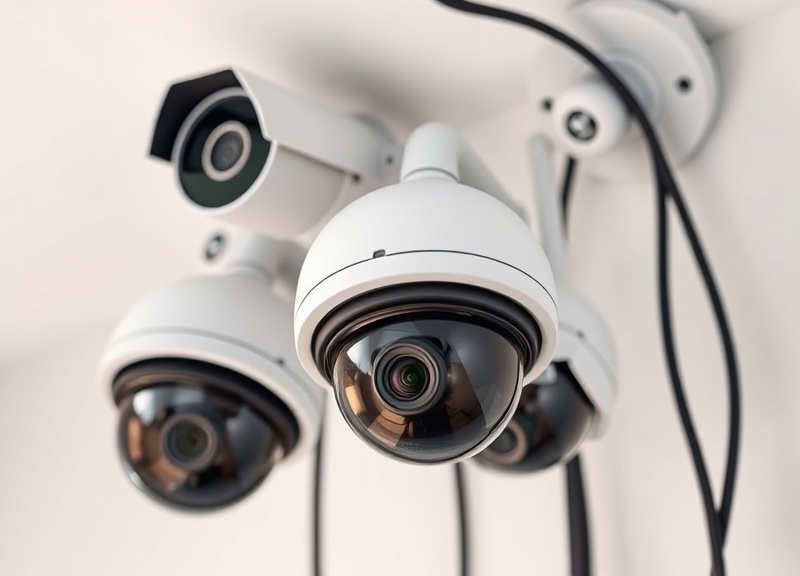
Wired security camera systems connect each camera to a central DVR or NVR via cables, offering a highly reliable video feed with zero risk of Wi-Fi dropouts. These systems often support more cameras and are suitable for larger properties but require professional installation for routing cables discreetly.
Wireless camera systems use Wi-Fi or proprietary signals to transmit footage directly to a storage hub or cloud service. They are easy to install, reposition, and expand, which makes them ideal for renters and smaller spaces. Battery-powered options provide flexibility but may need recharging or regular battery swaps.
Indoor vs. Outdoor Cameras
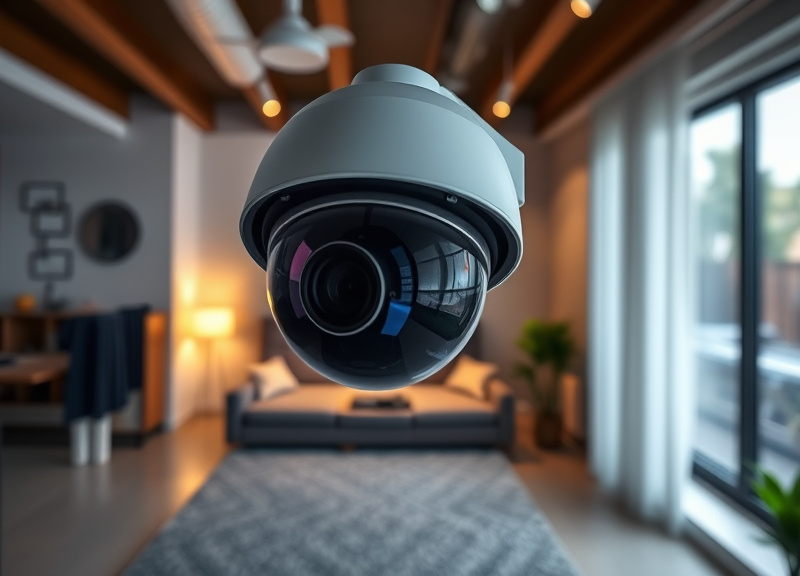
Indoor cameras are designed for monitoring entryways, hallways, and shared spaces. They typically feature compact designs and two-way audio, making them ideal for pet monitoring or keeping an eye on children. Most indoor models emphasize discretion over ruggedness.
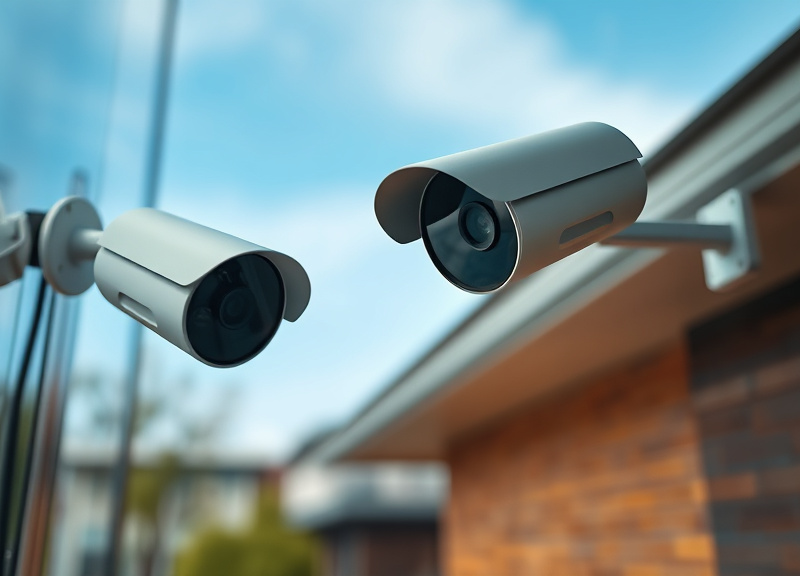
Outdoor cameras are built to withstand weather, with IP ratings denoting resistance to water and dust. Their housings are often robust and tamper-resistant, equipped with features like infrared night vision and wider viewing angles—essential for driveways, backyards, and perimeters.
Essential Features in the Best Security Camera System
Video Resolution and Field of View
Camera clarity is critical. Top-rated surveillance camera systems offer 2K or 4K Ultra HD video, ensuring faces and license plates are clearly visible even at a distance. A wider field of view—120 degrees or more—means fewer blind spots and better overall coverage.
Lower-resolution cameras (720p or 1080p) suffice for small areas but might miss important details in larger zones. Consider how crisp you need your footage and whether your storage solution can handle higher-resolution files.
- 2K/4K Ultra HD resolution
- Wide-angle (120°+) lenses
- HDR (High Dynamic Range) support
Night Vision and Motion Detection
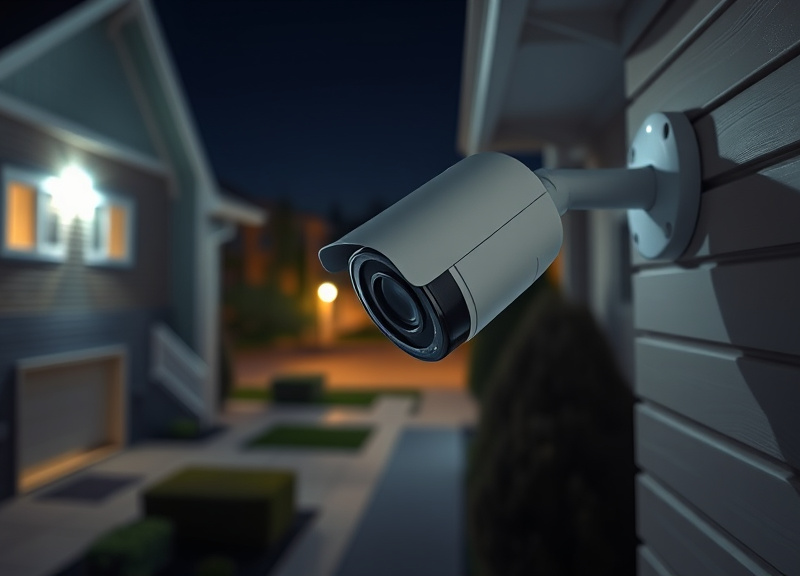
Night vision lets the best security camera system monitor your property 24/7, illuminating low-light scenes with infrared LEDs that are invisible to intruders. Quality systems offer up to 100 feet of clear night vision without excessive graininess.
Motion detection minimizes false alerts by distinguishing animal movement from people. Advanced models use AI to recognize vehicles or differentiate between humans, pets, and shadows, reducing needless notifications.
- Infrared or color night vision
- Customizable activity zones
- AI-based motion alerts
Connectivity and Storage Solutions
Local vs. Cloud Storage Options
Choosing between local and cloud storage depends on your privacy and accessibility needs. Local storage, via microSD cards or NVR/DVR systems, gives you direct control, but footage could be lost if hardware is stolen or damaged.
Cloud storage uploads video data to offsite servers, typically requiring a monthly subscription. It offers greater security against physical tampering and allows you to view recordings from anywhere, as long as you have internet access.
For more on this, see our related guide: What Is a Good Security Camera? Expert Advice for Choosing the Best Option.
Remote Access and Smart Integration
Remote access is now standard in top-rated surveillance camera systems. Through dedicated apps, users can view live feeds, receive push notifications, and control cameras from a smartphone or PC. Some systems allow multiple users or customized sharing permissions.
Smart integration lets you connect your cameras to Alexa, Google Assistant, or Apple HomeKit, for voice commands or automations. Look for platforms that support IFTTT or direct integration with other security devices for seamless control.
- Mobile app controls
- Voice assistant compatibility
- IFTTT support
Installation and Power Considerations
DIY vs. Professional Installation
DIY systems appeal to users comfortable with tools and basic networking. Wireless cameras often come with simple wall mounts and easy app setups, letting you get up and running in under an hour per camera.
For large properties or advanced setups involving many wired cameras, professional installation ensures optimal placement, robust wiring, and minimized system downtime. Complex systems often include consultation and remote configuration.
- DIY: Fast, flexible, budget-friendly
- Professional: Reliable, labor-intensive
Power Options: Wired, Battery, and Solar
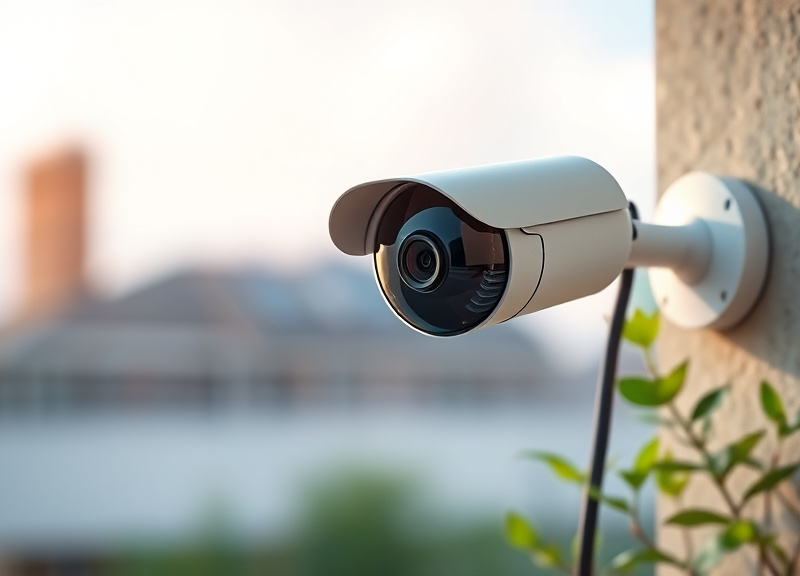
Wired cameras draw constant power, protecting against battery drain, but installation can be intrusive. Battery-powered cameras allow for fast placement, though most will need recharging every few months, especially with heavy use or cold weather.
Solar panels are a game-changer for wireless models. Integrated panels can keep batteries topped up, saving on manual charging and ensuring continuous coverage where electrical outlets aren't available.
- Wired: consistent power
- Battery: flexible but needs recharging
- Solar: low maintenance, eco-friendly
Leading Brands and Models: What Is the Best Security Camera System?
Arlo Ultra 2 and Google Nest Cam
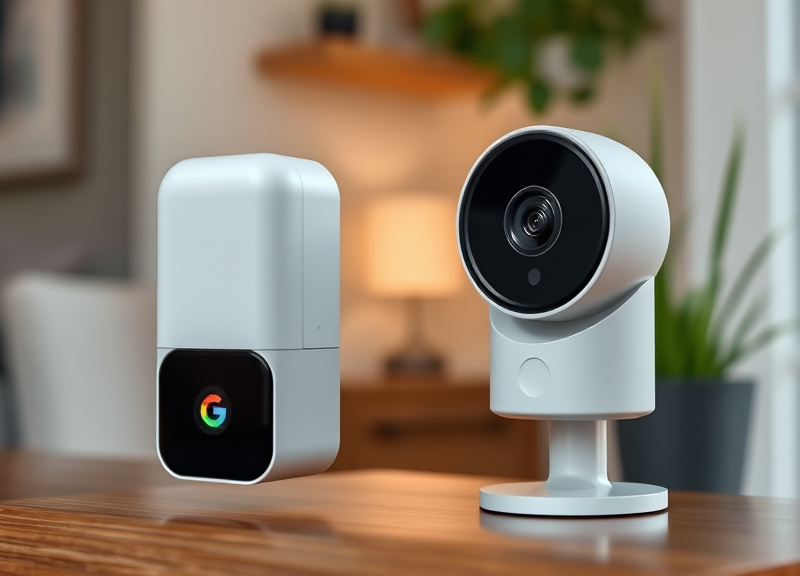
Arlo Ultra 2 excels with its 4K video, color night vision, integrated spotlight, and intelligent object detection. It’s a top choice for those seeking a robust wireless system with rich cloud features. Google Nest Cam offers both battery and wired versions with crisp 1080p/2K video, on-device smart alerts, and seamless Google Home integration.
Both brands make installation a breeze and feature weatherproof designs suitable for indoor or outdoor use. Their subscription services unlock advanced detection and extended cloud recording for added peace of mind.
- Arlo Ultra 2: best for high-res, outdoor use
- Nest Cam: ideal for Google Home integration
Swann, Ring, and Eufy Security Systems
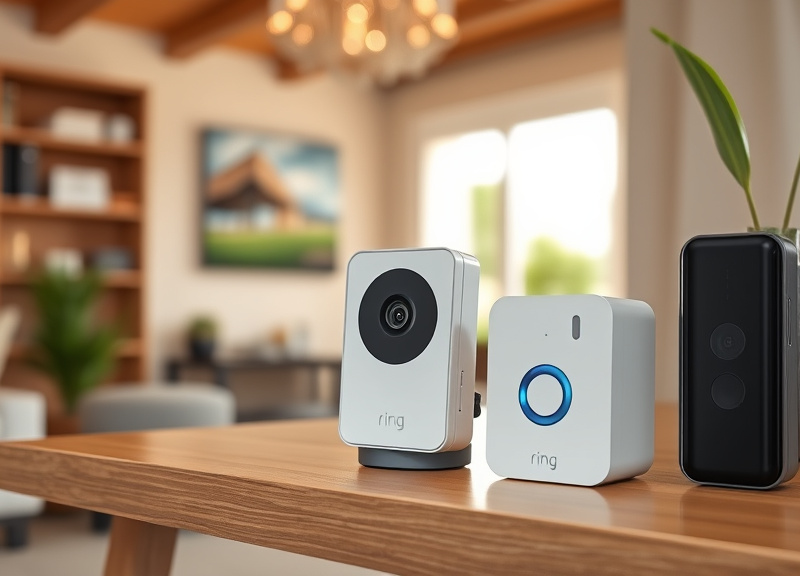
Swann specializes in expandable wired systems up to 16 cameras with 4K resolution, suitable for large homes or commercial sites. Ring cameras focus on seamless integration with Ring Alarm and Alexa, prioritizing wireless flexibility and neighbor-based security sharing.
Eufy stands out for offering zero monthly fees and strong local storage encryption. Its cameras deliver impressive battery life and AI-powered person detection, appealing to privacy-conscious users.
- Swann: scalable, wired, commercial-grade
- Ring: neighbor network, smart home ready
- Eufy: no subscription, strong local security
Cost and Value Considerations
Upfront vs. Ongoing Costs
Wired NVR systems usually require a higher initial investment but have minimal ongoing costs beyond potential hard drive upgrades. Wireless cloud-based systems market lower upfront prices but may entail monthly subscription fees for cloud storage and advanced AI features.
Weigh both costs carefully—a slightly more expensive system may save you money in the long run if it avoids monthly fees or costly add-ons. Some top-rated surveillance camera systems, like Eufy, focus on providing robust features with no ongoing charges.
- Initial kit price
- Subscription for cloud storage
- Cost of extra cameras
For more technical details and the history of surveillance camera systems, see this overview of Surveillance camera information. Surveillance camera information.
Warranty and Customer Support
A solid warranty (usually one to two years) is crucial for electronics that live outdoors, where faults are possible. Reliable customer support can make setup and troubleshooting much smoother, especially if your configuration is complex.
Tip: Check online user forums and review support wait times. Brands with responsive, helpful agents can make a significant difference over the lifespan of your system.
- Warranty length
- Ease of returns/replacements
- Support options (chat, phone, email)
Security Camera System Category Comparison
Here’s a side-by-side look at major security camera system types to help you quickly see which fits your property, monitoring expectations, and budget.
| System Type | Best For | Resolution | Storage | Power | Ongoing Fees |
|---|---|---|---|---|---|
| Wired NVR/DVR | Large properties/business | 4K/2K | Local hard drive | Wired | Low/None |
| Wireless Cloud | Apartments/homes | 1080p/2K/4K | Cloud (subscription) | Battery/Electric | Medium/High |
| Hybrid Wired/Wireless | Mixed needs | 1080p-4K | Local + cloud | Wired or Battery | Variable |
| Battery-Powered Standalone | Renters/small homes | 2K/1080p | MicroSD/Cloud | Rechargeable battery | Low-Medium |
| Solar-Powered Wireless | Remote locations | 2K | Cloud/MicroSD | Solar | Low |
| DIY Indoor Wi-Fi | Temporary setups | 1080p/2K | Cloud/MicroSD | AC/Battery | Low/Medium |
Frequently Asked Questions
How many cameras should I install for adequate coverage?
Most homes benefit from 3–6 cameras: one each at entry points, main hallways, and exterior corners. Larger properties or businesses may require 8–16 for full perimeter coverage, especially in parking or blind spot areas.
Do security cameras need internet access to work?
Wired NVR/DVR and some local-storage wireless cameras can record footage without internet, but live remote viewing, push alerts, and cloud backups require a connection. For most modern features, stable Wi-Fi is recommended.
Is a subscription required to use advanced features?
Many leading brands reserve features like AI detection, advanced cloud storage, and extended history for paid plans. However, some brands (like Eufy) offer key features without fees, so review pricing before purchasing.
How secure are wireless camera systems from hacking?
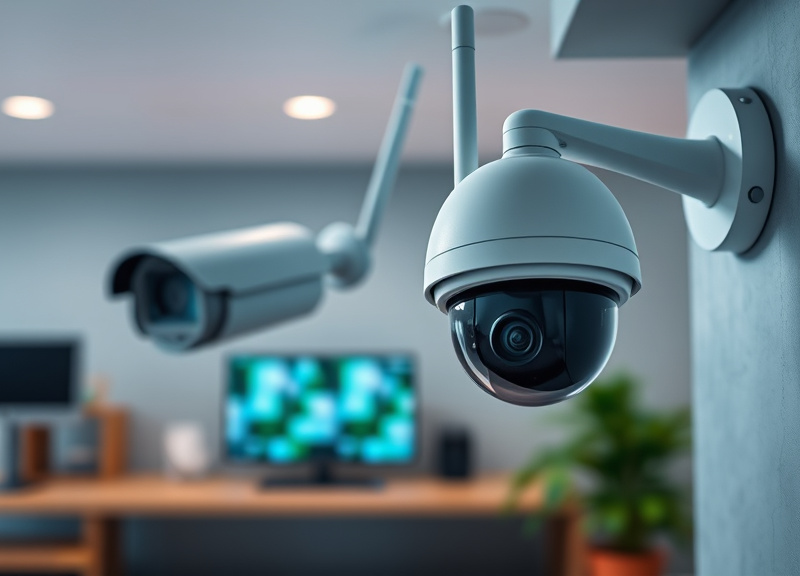
Most reputable brands use AES encryption, HTTPS, and regular firmware updates to guard against hacking. Always change default passwords, enable two-factor authentication, and keep your app and devices updated for maximum security.
Can security camera systems operate during power outages?
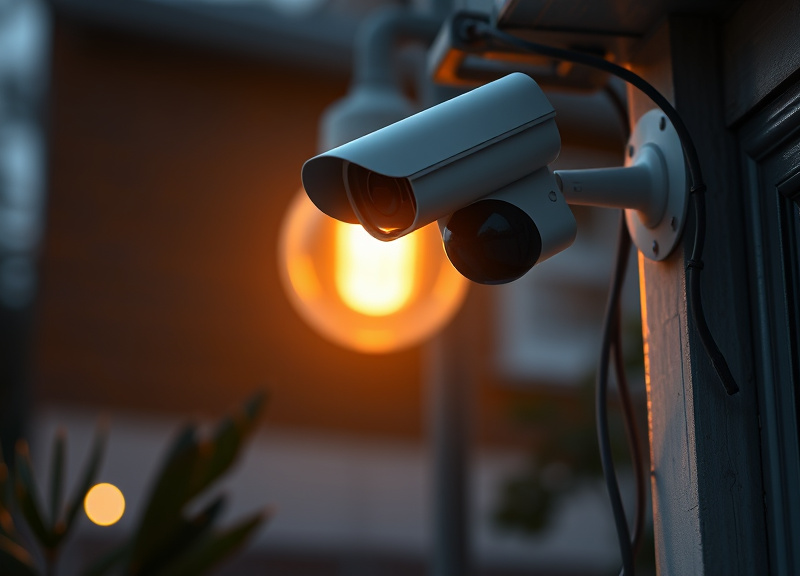
Battery-powered and solar models continue recording during outages. Wired systems without built-in battery backup will stop functioning until power is restored, unless connected to an auxiliary uninterruptible power supply (UPS).
Key Takeaways
- Choose a system that fits your property size and monitoring needs.
- Balance video resolution, night vision, and smart features for value.
- Consider ongoing costs like subscriptions and cloud storage.
- Look for robust security, integrations, and reliable customer support.
Conclusion
Selecting the best security camera system means carefully weighing your property’s layout, your monitoring preferences, and the level of control and privacy you desire. By focusing on camera quality, storage choices, installation method, and integrations with other smart devices, you can tailor a solution that balances practicality, peace of mind, and future scalability. Investing in security isn’t just about hardware—it’s about choosing a platform that you trust for years to come.
For larger homes or business premises, a robust wired NVR/DVR system (such as Swann) may provide the best value, given its scalability and superior video quality. For users demanding flexibility, rapid setup, and advanced cloud features, wireless systems like Arlo Ultra 2 or Google Nest Cam excel, especially when paired with strong internet access. Those wary of monthly fees might favor Eufy’s local-storage approach, ensuring key features without long-term costs. Always match your investment to your property’s needs and your appetite for tech-friendly features like smart notifications and integrations.
As you move forward with your decision, assess the critical entry points in your property, decide on cloud versus local storage, and pay attention to brand reliability and support. Start by listing your must-have features and use this guide’s comparison section to map the right options for your circumstances. Taking the time to research and plan will reward you with a security camera system that sustains your safety and confidence for years to come.

4 Comments