What Is a Good Security Camera? Expert Advice for Choosing the Best Option
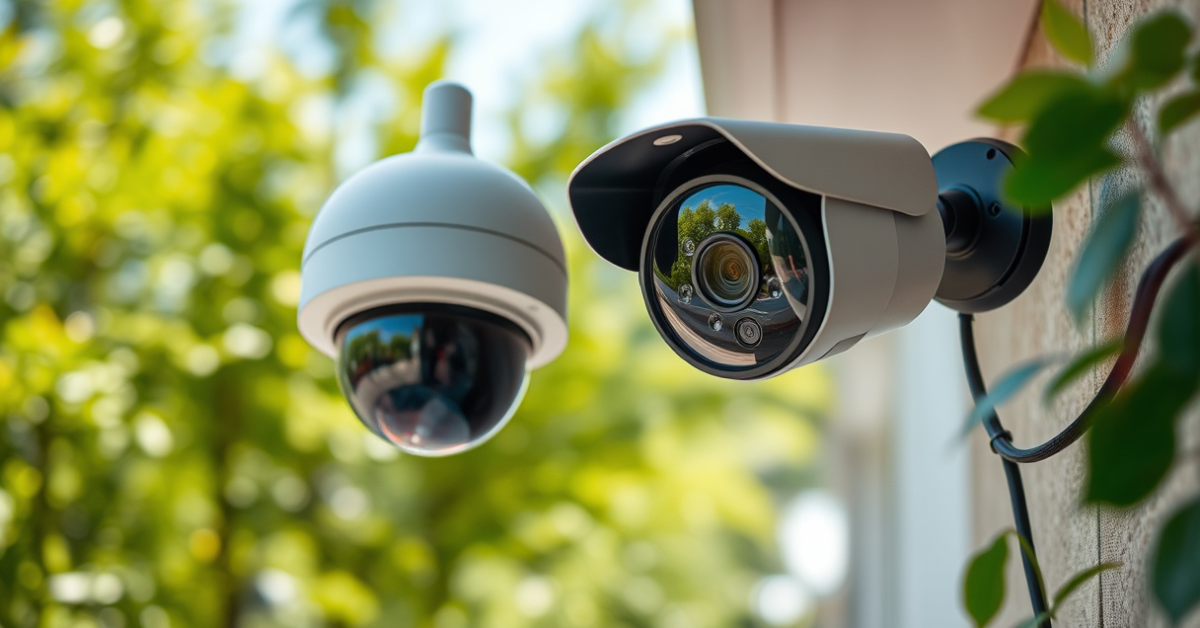
A good security camera provides sharp video quality, dependable motion detection, night vision capabilities, and strong connectivity, making it easier to monitor your property and keep intruders at bay. Whether you prefer a wired, wireless, or smart camera, the right model will offer clear footage and user-friendly controls tailored to your needs.
Finding a security camera that balances reliability, image quality, smart integrations, and easy installation is crucial for both homeowners and businesses. The wrong camera could leave blind spots, trigger false alarms, or miss key details when you need them most, making a thoughtful selection vitally important.
In this guide, we’ll break down what makes a security camera 'good,' compare the main types, explain top best home security camera features, and highlight leading picks for various situations. Whether you want a simple indoor cam or a multi-camera outdoor system, you’ll find clear advice to help you make an informed, confident choice.
Essential Qualities of a Good Security Camera
Image Quality and Night Vision
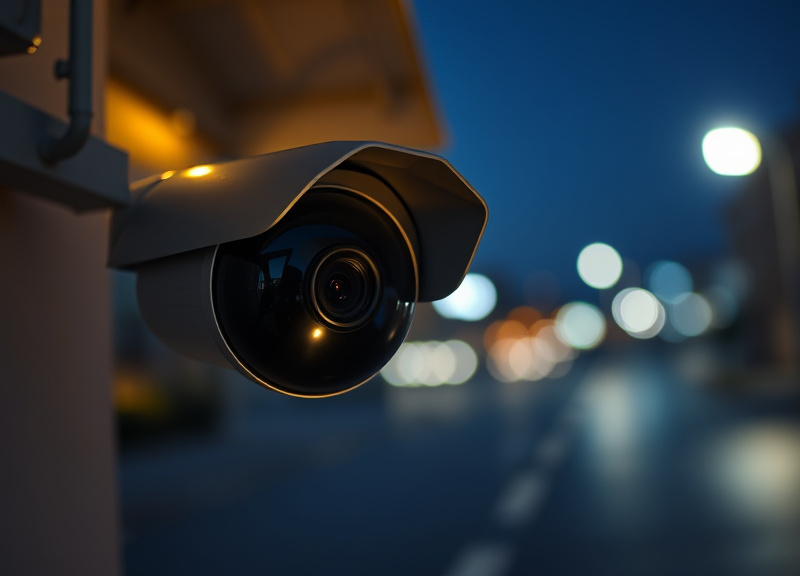
The image clarity of your security camera is critical. Look for models with at least 1080p HD resolution to ensure faces, license plates, and other details are easily recognizable. High resolution minimizes pixelation, especially when you need to zoom in after an incident.
Night vision is another fundamental feature. Most modern cameras use infrared LEDs to illuminate dark areas, providing clear black-and-white footage in total darkness. Higher-end models may offer color night vision powered by powerful spotlights or low-light sensors.
- 1080p HD or higher resolution recommended
- Infrared or color night vision
- Zoom capability for detail
Reliable Motion Detection and Alerts
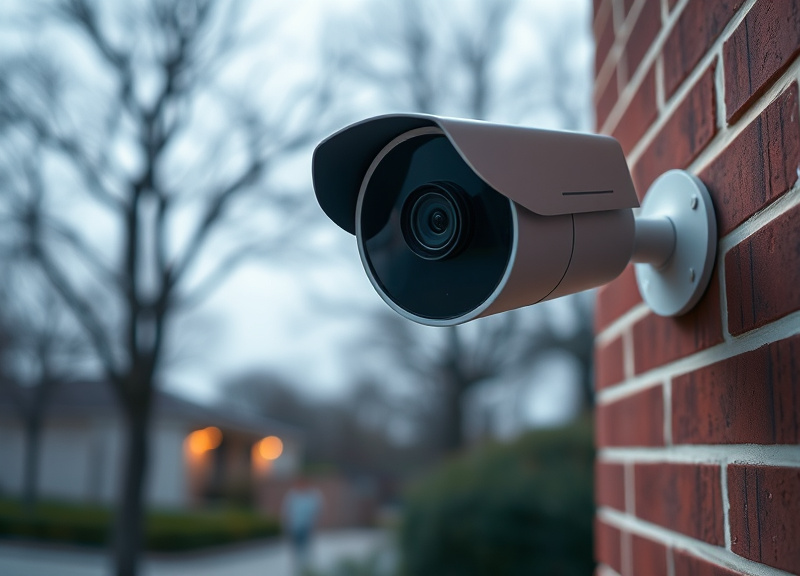
A good security camera uses smart motion detection to alert you only when unusual activity occurs. Look for customizable detection zones and AI features that can distinguish between people, pets, and vehicles.
This reduces false alerts from wind-blown trees or passing cars, ensuring you’re only notified when it matters. Many modern cameras offer instant mobile notifications, email alerts, or even trigger alarms to deter intruders.
- Custom motion zones
- Human/vehicle detection
- Instant alerts to devices
Types of Security Cameras: What to Consider
Indoor vs. Outdoor Cameras
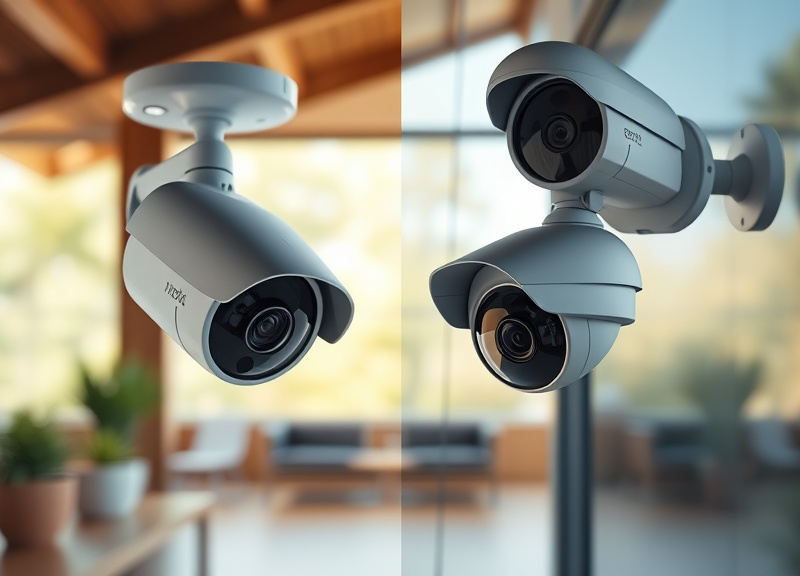
Indoor security cameras are typically more compact and focus on monitoring entry points, hallways, or valuables within your home. Weather resistance isn’t required, and installation is generally simple.
Outdoor cameras, by contrast, must withstand the elements. Look for weatherproof (IP65+) designs, robust housings, and wider viewing angles to cover yards, driveways, or perimeter fences effectively.
- Indoor: compact, easy to place
- Outdoor: weatherproof, durable
Wired vs. Wireless Security Cameras
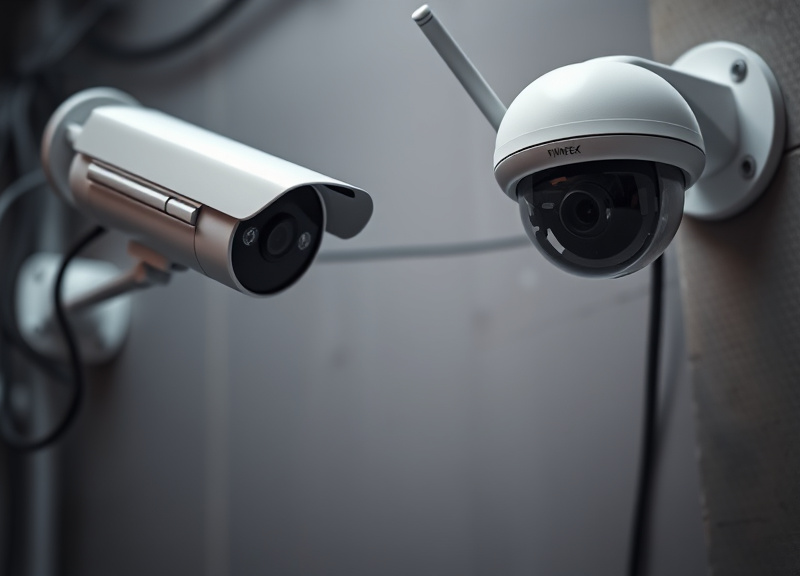
Wired cameras connect to power and network via cables, offering stable, constant footage without relying on batteries or Wi-Fi signal strength. They work well for large properties or businesses prioritizing continuous coverage.
Wireless cameras provide flexible placement and easier installation. Many run on rechargeable batteries and connect via Wi-Fi, making them ideal for renters or areas where wiring is difficult.
- Wired: reliable connection, no recharging
- Wireless: flexible, easy to install
Key Security Camera Features to Look For
Smart Home Integration
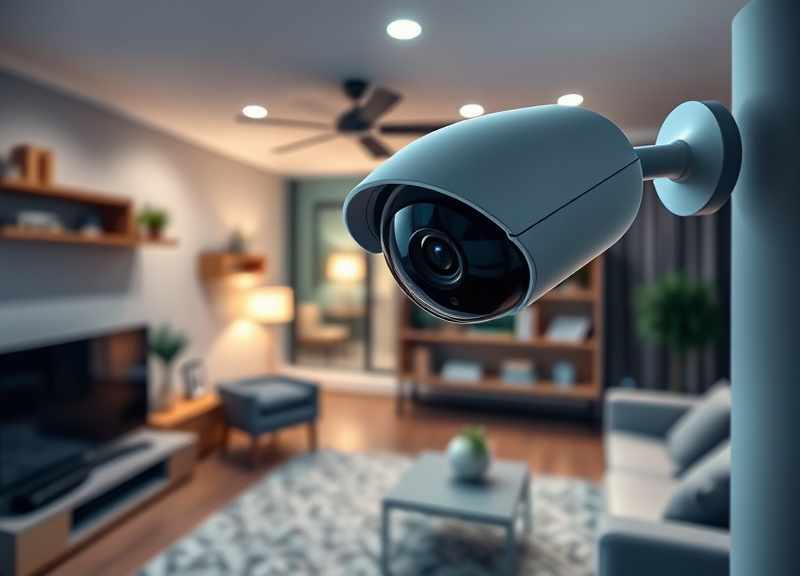
Good security cameras work seamlessly with smart home ecosystems such as Alexa, Google Assistant, or Apple HomeKit. Voice activation, automated routines, and multi-device compatibility expand your control and monitoring options.
Integration allows for remote viewing, arming/disarming schedules, and even verbal announcements when a person is detected, providing added convenience and deterrence.
- Works with Alexa, Google Assistant, HomeKit
- Remote viewing via app
- Automations with other devices
Cloud Storage vs. Local Storage
Cloud storage saves your camera footage on remote servers, allowing for easy access from anywhere and added security in case the camera is damaged or stolen. Subscription fees may apply.
Local storage uses microSD cards, hard drives, or NVRs, giving you full control over your data without ongoing fees. However, footage may be at risk if the device is physically compromised.
- Cloud: off-site, remote access
- Local: no fees, user-controlled
Best Home Security Camera Features for Enhanced Protection
Two-Way Audio and Sirens
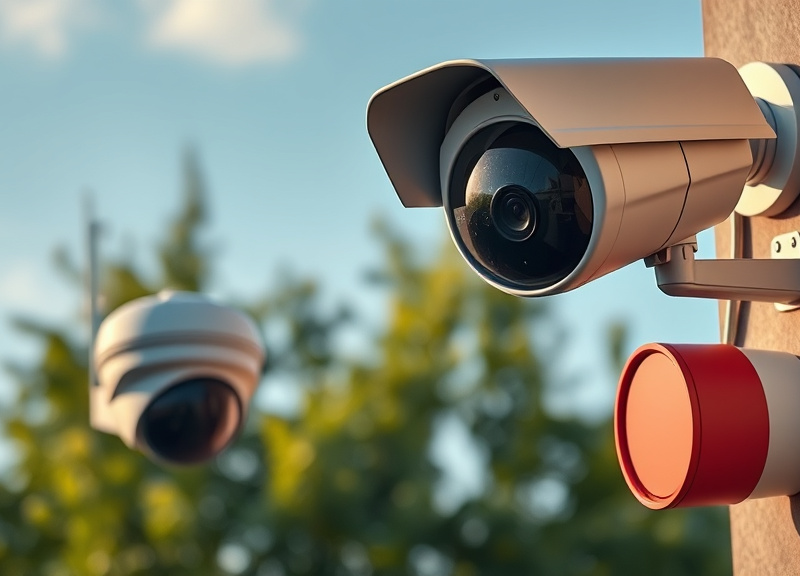
Two-way audio lets you communicate in real time with visitors or potential intruders, adding an interactive layer to your security system. Built-in sirens act as immediate deterrents during suspicious activities.
These features are particularly useful for greeting guests at the front door or scaring off trespassers remotely, enhancing your sense of control.
- Talk with delivery drivers
- Warn intruders instantly
- Activate sirens manually or automatically
Continuous Recording and Event Recording
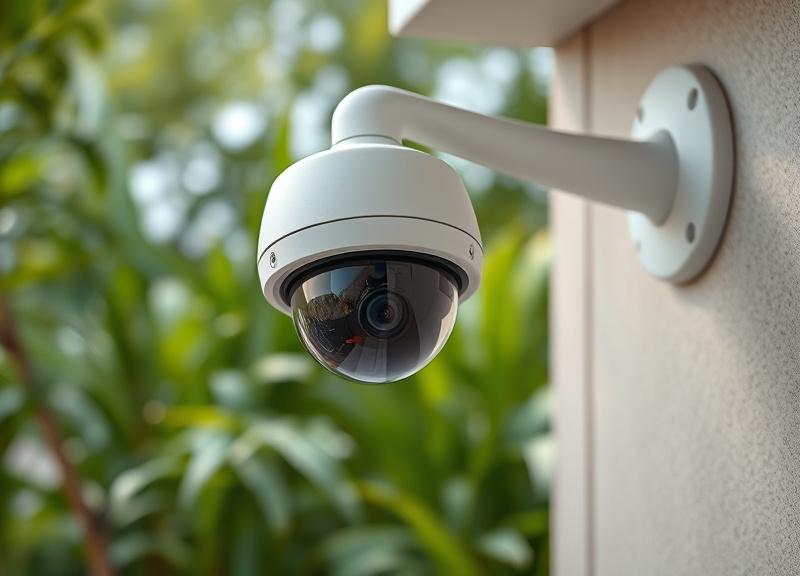
Continuous recording ensures that every moment is captured, beneficial for areas requiring full surveillance. Event recording, which only activates during detected motion, saves storage space and makes reviewing footage more manageable.
Many cameras now let you customize recording preferences, balancing security with data management.
- 24/7 recording for full coverage
- Event-based recording conserves space
Installation and Placement Tips for Security Cameras
Optimal Placement for Maximum Coverage
Install cameras at high vantage points to cover main entryways, driveways, and blind spots. The field of view should encompass critical areas while avoiding obstructions like tree branches or walls.
It’s best to angle cameras downward to capture faces and minimize sky exposure that can cause glare or overexposure during the day.
- Height of 7-10 feet recommended
- Overlap fields of view for no blind spots
Avoiding Common Installation Errors
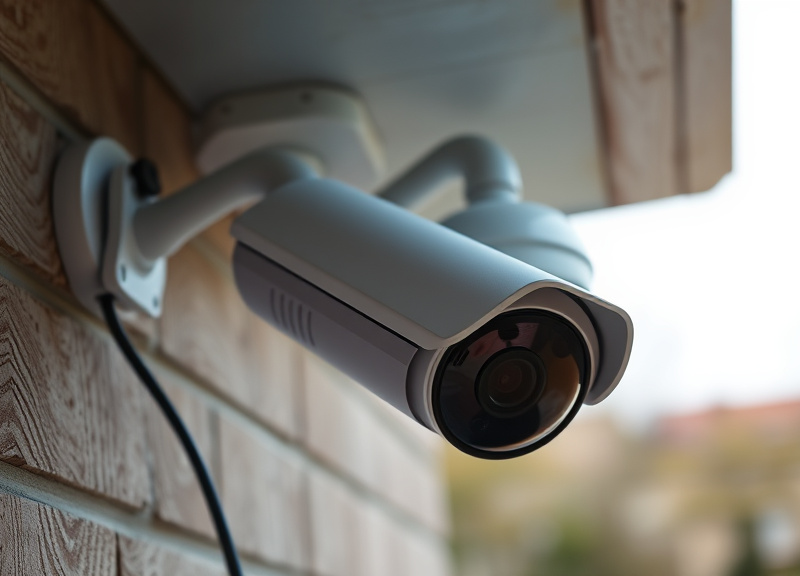
Incorrect camera angles, insufficient Wi-Fi signal, or exposure to direct sunlight/rain can reduce effectiveness. Test each camera's live feed while adjusting the angle before final mounting.
Secure the camera and wires to prevent tampering, and regularly clean lenses for optimal image quality.
- Test signal strength first
- Avoid mounting behind glass
Maintaining and Upgrading Your Security Camera System
Routine Maintenance Best Practices
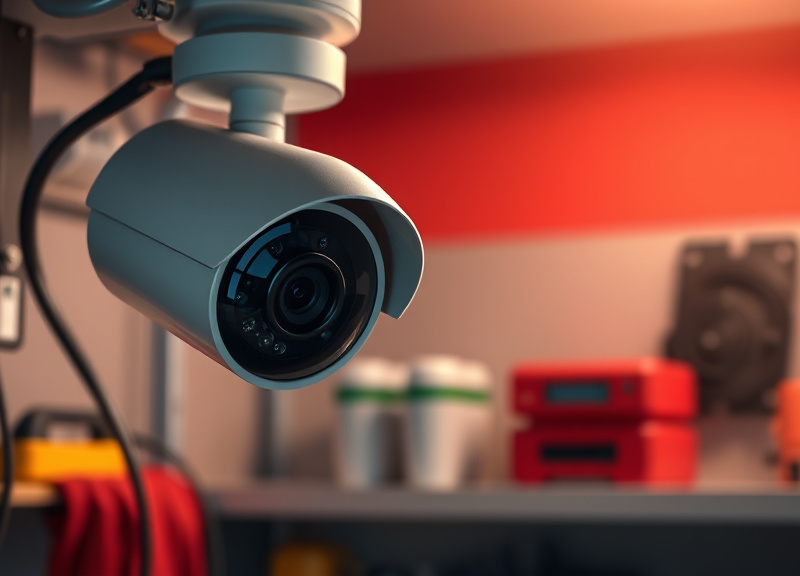
Regular maintenance keeps your camera system operating effectively. Clean lenses monthly, check for spider webs or debris, and ensure firmware is up to date to patch vulnerabilities.
Battery-powered wireless cameras require charging or battery replacement every few months; set reminders to prevent unexpected downtime.
- Wipe lenses and housings monthly
- Update firmware regularly
- Charge/replace batteries as scheduled
For a more detailed background on the history and types of surveillance systems, consult this comprehensive security camera overview. Security camera overview.
When to Upgrade Your Security Setup
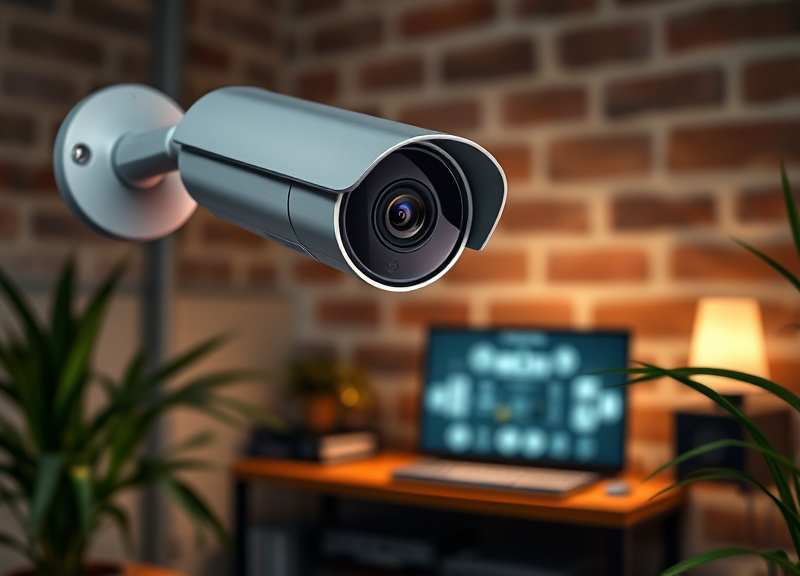
If you notice blurred recordings, software compatibility issues, or missing features like smart detection, it may be time to upgrade. Newer models offer higher resolution, smarter features, and better integration with other devices.
Plan upgrades proactively to close security gaps before incidents occur, especially as technology advances rapidly.
- Upgrade for higher resolution
- Seek models with enhanced AI
- Ensure compatibility with smart home
Security Camera Types Comparison
This table summarizes the key differences between popular security camera types to help you determine which option best fits your property and needs.
| Category | Best For | Image Quality | Power Source | Cost | Installation |
|---|---|---|---|---|---|
| Wired Outdoor Camera | Large property, businesses | 1080p-4K HD | Hardwired | Mid-High | Professional/DIY |
| Wireless Battery Camera | Apartments, renters | 1080p HD | Battery | Mid | DIY, simple |
| Indoor Wi-Fi Camera | Monitoring rooms/doorways | 1080p HD | Plug-in | Low-Mid | DIY, quick |
| Floodlight Security Cam | Driveways, backyards | 2K-4K with light | Wired | High | Professional/DIY |
| Doorbell Camera | Front door/porch | 1080p-2K HD | Battery/wired | Mid | DIY |
| PTZ (Pan/Tilt/Zoom) Cam | Wide area monitoring | 2K-4K HD | Wired/wireless | High | Professional |
Frequently Asked Questions
How do I choose between wired and wireless cameras?
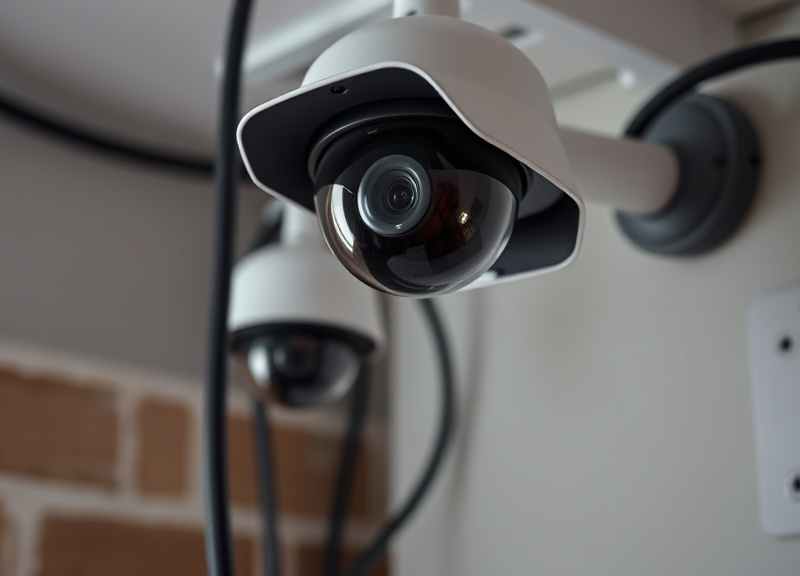
Wired cameras provide stable, continuous coverage and are ideal for permanent installations, while wireless models are easier to install and move, suitable for renters or temporary setups. Choose based on your property layout and long-term needs.
Do security cameras work without an internet connection?
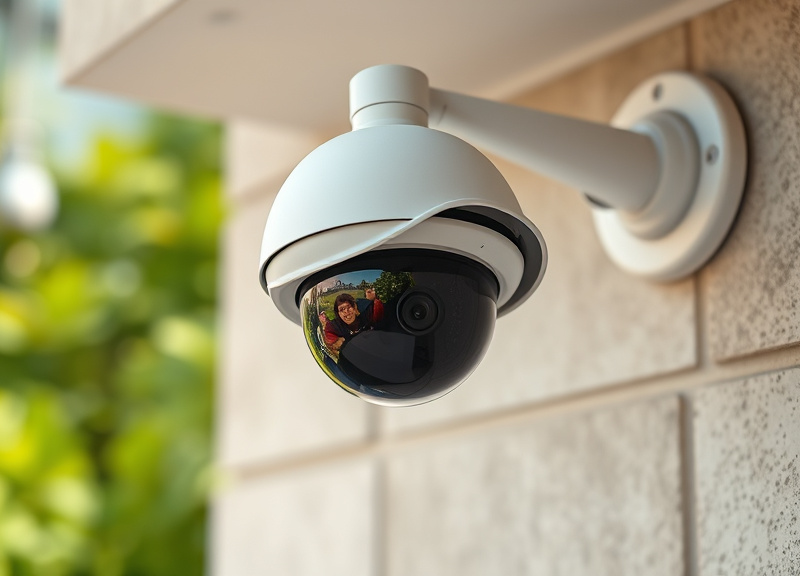
Most cameras need internet for remote access and cloud features, but some can record locally on SD cards or NVRs for on-site playback. Always check if offline recording is supported if you have unreliable internet.
Are security camera systems difficult to install?
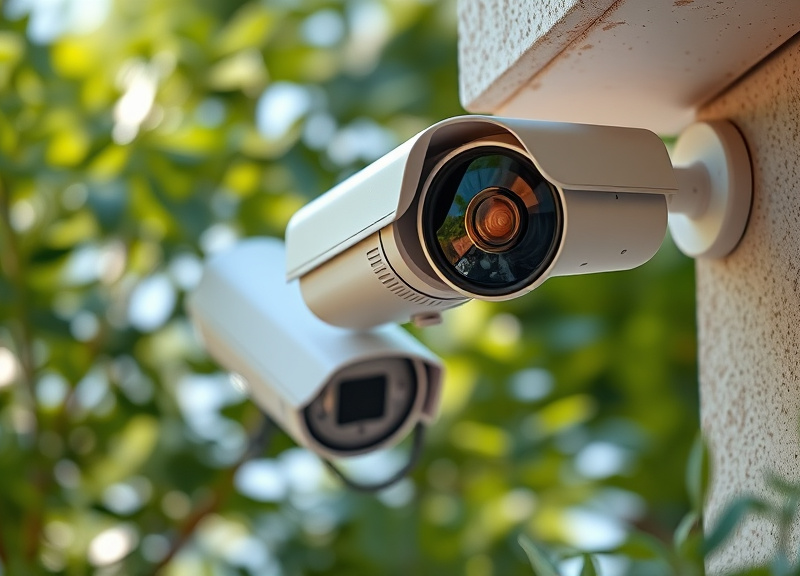
DIY wireless models are usually straightforward, often needing only a drill and smartphone. Wired systems can require running cables and more complex setup, sometimes best handled by professionals—especially for larger multi-camera installations.
Can security cameras see in total darkness?
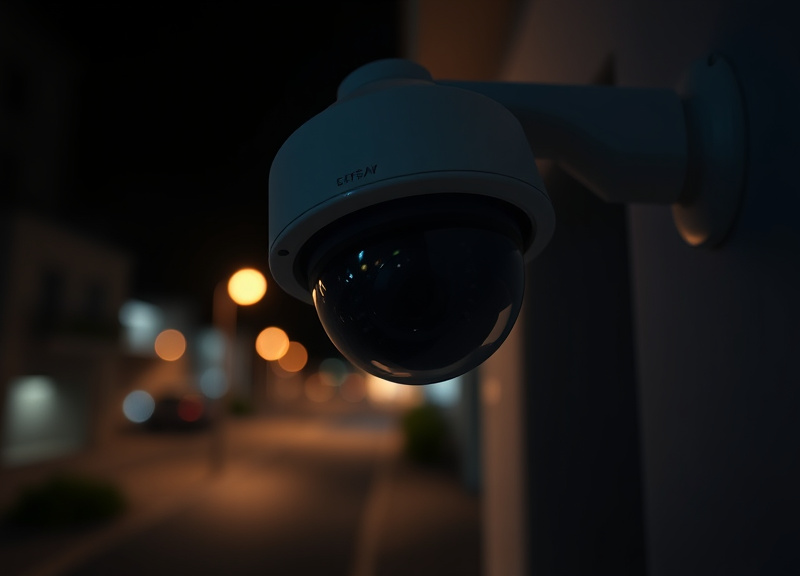
Yes, most modern cameras include infrared LED night vision, enabling clear footage even in absolute darkness. Higher-end systems may also offer color night vision using integrated spotlights or low-light sensors.
How long is recorded footage stored?

Storage duration depends on the system and plan. Cloud subscriptions often store video for 7–60 days. Local storage depends on card or hard drive capacity and recording mode; event-only recording maximizes retention versus 24/7 recording.
Key Takeaways
- A good security camera balances image quality, motion detection, and smart features.
- Choose camera type and storage based on your property and usage needs.
- The best home security camera features enhance both convenience and safety.
- Proper installation and maintenance maximize camera effectiveness and reliability.
Conclusion
Deciding what is a good security camera depends on your specific environment, security needs, and personal preferences. By focusing on crucial factors such as image resolution, night vision, reliable motion alerts, and smart integration, you can tailor your setup to cover vulnerable areas efficiently. Weighing these priorities, alongside installation constraints and storage preferences, ensures your investment both deters potential threats and provides reliable evidence should an incident occur.
For most homeowners, a wireless battery-operated or indoor Wi-Fi camera may provide the perfect combination of convenience and adequate best home security camera features. In contrast, those securing larger properties or seeking comprehensive outdoor surveillance may benefit more from high-resolution wired cameras, PTZ models, or specialized floodlight cameras. Matching the camera type to your scenario makes a substantial difference in overall peace of mind and coverage.
Ultimately, the ideal next step is to assess your property’s vulnerable areas, list the features most important for your lifestyle, and read in-depth product reviews before making a purchase. Make sure to regularly maintain your chosen system and consider periodic upgrades to stay ahead of evolving security threats and technology improvements.





One Comment