What Is a PoE Security Camera? Everything You Need to Know Before Buying
A PoE security camera is a surveillance camera powered through an Ethernet cable, which delivers both data and electrical power over a single connection. By using Power over Ethernet (PoE) technology, PoE cameras simplify installation, reduce cable clutter, and enable more reliable network connectivity compared to traditional setups that require separate power and data cables.
Understanding what a PoE security camera is matters because it can influence everything from your installation process to your system's security and maintenance costs. While traditional cameras often require multiple wires, PoE technology streamlines both setup and ongoing operation. This translates to fewer headaches and potentially lower costs, whether you’re watching over a home, small business, or large facility.
In this article, you’ll learn exactly how PoE security cameras work, their benefits and potential drawbacks, installation requirements, common features, and how they stack up against other types of surveillance cameras. We’ll also compare popular camera types and answer frequently asked questions to help you decide if PoE is right for your next security system upgrade.
How PoE Security Cameras Work
Power Over Ethernet Technology Explained
PoE, or Power over Ethernet, allows electrical power and digital data to be transmitted over a single Ethernet cable to devices like security cameras. This entirely removes the need for a separate power supply, reducing wiring complexity. The PoE-capable switch or injector provides the voltage, making the camera truly plug-and-play.
By centralizing power with the network infrastructure, PoE reduces points of failure and simplifies camera placement. It supports devices up to 100 meters away from the power source, ideal for covering large areas without stretching extension cords or installing new outlets.
- Simplifies wiring
- Easy to relocate cameras
- Supports remote reboots
The Role of Ethernet Cables in Surveillance
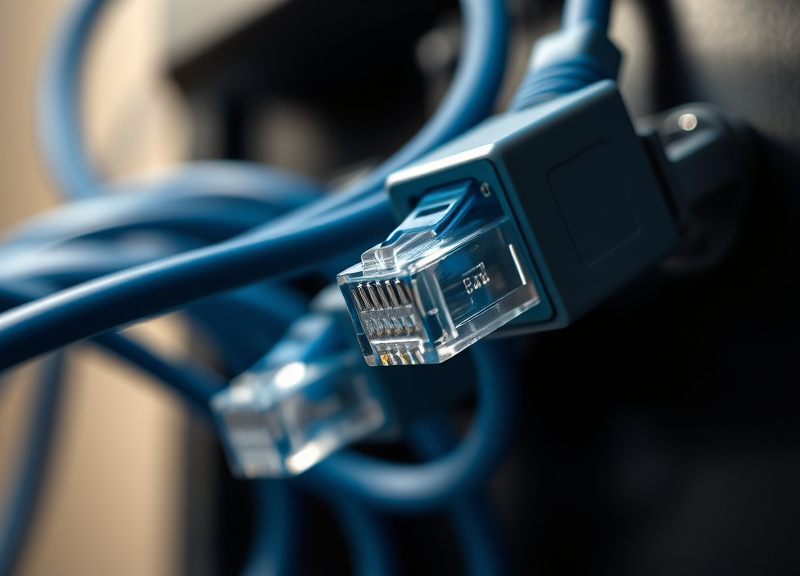
Ethernet cables, like Cat5e or Cat6, serve as the backbone for PoE security cameras. They not only deliver high-speed data but also handle power transmission efficiently. This dual function is the key to simple, streamlined setups for both homes and large businesses.
The type and quality of cables can influence video resolution and stability. Using high-grade, shielded cables helps minimize interference and supports higher definition video streams, ensuring your security footage remains sharp and reliable.
Benefits of PoE Security Cameras
Simplified Installation and Scalability
PoE security cameras dramatically streamline installation since each camera needs only one cable. This speeds up setup, particularly in retrofit applications, and reduces labor costs. It also avoids the safety issues linked with running high-voltage power cables through walls.
Scalability is a major benefits of PoE security cameras: adding more cameras is as simple as connecting additional Ethernet runs to your existing PoE switch. This flexibility is perfect for expanding surveillance in offices or warehouses as needs evolve.
- Single-cable solution
- Quicker installation
- Easy expansion
- Lower professional labor fees
Centralized Power Management and Reliability
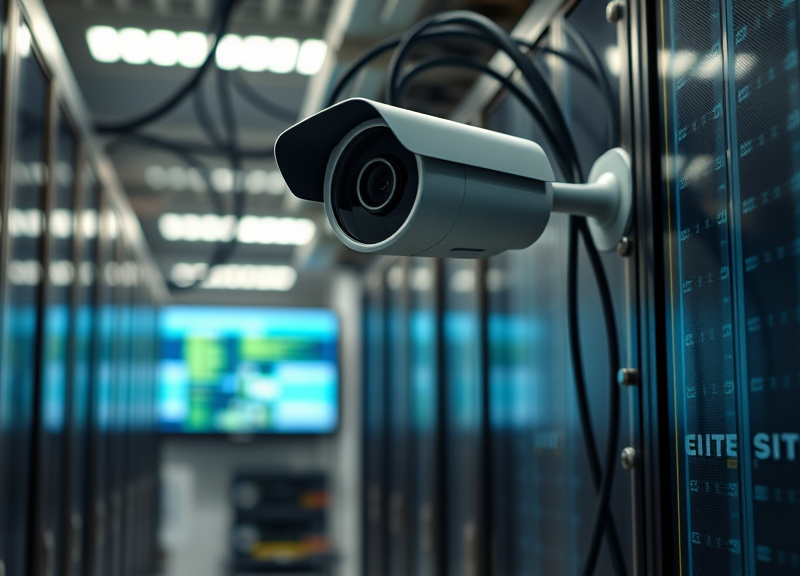
With PoE, power for all your cameras originates from a centralized switch or injector. This allows you to add backup power supplies or uninterruptible power sources, increasing reliability during outages or fluctuations.
Centralizing power also simplifies remote troubleshooting. Many PoE switches support features like remote rebooting, making it quick to fix minor issues without physically visiting each camera.
- Simplified maintenance
- Uninterruptible power supply (UPS) ready
- Improved uptime
What to Consider Before Choosing a PoE Security Camera
Compatibility With Network Infrastructure
Before investing in PoE security cameras, check your current network infrastructure. Not all routers or switches support PoE—some may require an external PoE injector or replacing with a PoE-enabled switch.
Evaluate the power output of your switch; higher resolution, PTZ, or night vision cameras may need more wattage than basic models. Planning for future upgrades is important for a smooth expansion process.
- Existing PoE support?
- Switch power rating
- Cable type suitability
For more on this, see our related guide: How to Hide a Security Camera in a Window Without Obstructing the View.
Choosing Camera Features Based on Location
Consider what features matter most for your security needs. Outdoor PoE cameras should be weatherproof and vandal-resistant. For indoor use, look for models with wide dynamic range or two-way audio.
Resolution and lens type also count—a wide-angle lens covers a larger area, while higher pixel counts provide crystal-clear detail. Tailoring your camera selection ensures you get the most out of your investment.
- Weather resistance
- Night vision capabilities
- Motion detection
PoE Security Cameras vs. Other Camera Types
Comparing to Wireless (Wi-Fi) Security Cameras
While PoE security cameras offer stable, high-bandwidth connections, Wi-Fi cameras are typically easier to move but risk interference and signal drops. Wi-Fi models depend on wireless signals, which may be spotty in larger spaces or through thick walls.
Wi-Fi cameras also need separate power sources, often limiting placement flexibility compared to PoE’s single-cable approach. However, they’re a good option in places where running new cables would be too costly or disruptive.
- No cable path needed for Wi-Fi
- Higher reliability with PoE
- Easier to expand PoE in large buildings
PoE Cameras Versus Traditional Analog CCTV
Analog CCTV systems require separate wires for power and video, and generally offer lower image quality. PoE cameras, transmitting digital data, provide clearer footage and more advanced features like remote access and cloud storage.
Upgrading to PoE often means less cable clutter and future-proofing, since IP-based PoE systems can integrate with smart home networks and remote monitoring services.
- Higher resolution with PoE
- Remote control and viewing
- Simpler cabling
Installation and Setup Tips for PoE Security Cameras
Wiring Best Practices and Cable Choices
Choose high-quality Cat5e or Cat6 cables for best results, especially for 4K PoE cameras. Keep cable lengths under 100 meters to maintain both power and data integrity. Label cables at both ends for easier troubleshooting and expansion later.
Bundle cables neatly and avoid running them parallel to electrical lines, as this reduces potential for interference. Investing time in structured cable management pays off in system reliability and ease of maintenance.
- Use shielded cables for outdoor runs
- Check cable lengths
- Label every connection
Configuring Network Settings for Security
Upon installation, change all default passwords on your PoE security cameras and ensure firmware is updated. Assign static IP addresses or use DHCP reservations for consistent remote access.
Segmenting your camera network via VLANs can increase security and maintain video quality even during heavy network use elsewhere. Regularly monitor system logs for unauthorized access attempts.
- Change default passwords
- Enable firmware updates
- Use VLANs for camera networks
Advanced Features Available With PoE Security Cameras
Smart Analytics and Remote Access
Many PoE security cameras include intelligent analytics such as motion detection, people counting, line crossing alerts, and face or license plate recognition. These advanced features make monitoring more efficient and proactive.
Remote access is almost standard—most systems allow you to view live feeds or playback recordings from your smartphone, tablet, or web browser no matter where you are.
- Mobile notifications
- Cloud or local storage
- Automated alerts
For deeper technical information about how PoE works at the electrical and networking levels, see this Power over Ethernet (PoE) technology overview. Power over Ethernet (PoE) technology overview.
Integration With Other Security and Smart Home Systems
Top PoE camera brands offer compatibility with smart home platforms like Alexa, Google Home, or Apple HomeKit. This allows you to control or view cameras alongside other security devices from one app.
Integration with alarms, door sensors, and access controls creates a more complete security ecosystem, alerting you to threats and enabling faster response times.
- Smart home compatibility
- Works with alarms and lights
- Centralized control
PoE Security Camera Options Compared
Below is a comparison of popular security camera types, highlighting how PoE stacks up against other solutions for different surveillance needs.
| Category | Power Source | Data Transmission | Setup Complexity | Best For |
|---|---|---|---|---|
| PoE Security Camera | Ethernet cable | Ethernet cable | Medium | Businesses, advanced home users |
| Wi-Fi Camera | AC power adapter | Wireless | Easy | Apartments, temporary setups |
| Analog CCTV | Separate power cable | Coaxial cable | Complex | Legacy systems |
| Battery-Powered Camera | Battery | Wireless | Easy | Small areas, rental properties |
| 4G/LTE Wireless Camera | Battery or AC | Cellular Network | Medium | Remote, off-grid locations |
Frequently Asked Questions
Can I use standard Ethernet cables for PoE security cameras?
Yes, standard Cat5e or Cat6 Ethernet cables support PoE. For best reliability and to support higher resolutions, use high-quality, certified cables and keep runs below 100 meters.
Are PoE security cameras better than Wi-Fi cameras?
PoE security cameras are often more reliable, with fewer connection drops and better video quality. They require more involved installation but are ideal when you want stability and centralized management.
Do all network switches work with PoE cameras?
No, only PoE-enabled switches or those combined with a PoE injector can power PoE cameras. Standard switches without PoE will transmit data only and require a separate power source for cameras.
What happens if there’s a power outage with PoE cameras?
If your PoE switch is connected to an uninterruptible power supply (UPS), cameras can keep running during outages. Without backup power, both data and power to your cameras will be interrupted until electricity is restored.
Can PoE cameras be used outdoors?
Many PoE security cameras are designed specifically for outdoor use, featuring weather-resistant housings and night vision. When installing outdoors, always select models rated for the expected weather conditions.
Key Takeaways
- PoE security cameras offer streamlined installation with one cable for power and data.
- They’re ideal for larger, scalable, and highly reliable surveillance setups.
- Check for PoE-capable network equipment before upgrading.
- Advanced features and integration make PoE cameras a future-proof option.
Conclusion
Navigating the world of surveillance technology, understanding what a PoE security camera is can dramatically shape your approach to protecting homes or businesses. By centralizing both power and data delivery through a single Ethernet cable, PoE streamlines installation, enhances reliability, and opens up new possibilities for advanced features and integration. When compared to Wi-Fi or analog CCTV systems, PoE delivers improved performance, easier maintenance, and superior scalability.
If you value clean installations, centralized management, or need to expand coverage over time, PoE security cameras are a compelling option. For apartment dwellers or smaller spaces, Wi-Fi or battery-powered cameras might be easier to install. Business owners, warehouses, and property managers, however, will likely benefit most from PoE's stability and feature set, reaping the rewards of remote monitoring, smart alerts, and reliable video quality.
To move forward, start by auditing your current network's PoE compatibility and clarifying the features you need—like night vision, smart analytics, or integration with alarms. Whether you're installing one camera or designing a multi-building system, investing in PoE technology positions your security for both current demands and future expansion.