How to Turn Off Holosun Red Dot: Quick Steps for Every Model
To turn off a Holosun red dot sight, press and hold the ‘+’ or ‘-’ button (model-dependent) for about three seconds until the reticle disappears. Most Holosun models—whether they’re reflex sights or tube-style models—operate with a straightforward button system for powering down. If you’re unsure which button applies to your exact sight, check your specific model’s manual, as legacy and new models may vary slightly. This simple step ensures your optic is off and conserves its battery efficiently.
Understanding how to properly turn off your Holosun red dot sight matters because it directly impacts the battery life and readiness of your optic. Forgetting to turn off your sight can drain the battery quickly, especially if your model doesn’t feature an auto-off function. Most users want their sight to be ready when needed, without worrying about a dead battery at the range or in the field.
In this article, you’ll learn detailed instructions for turning off every major Holosun red dot model, how auto-off features work, and tips for maximizing battery life. We’ll also compare manual and auto-off Holosun models, discuss common troubleshooting steps, and answer the most frequently asked questions about Holosun red dots by real users.
Manual Power-Off Methods for Holosun Red Dots
Turning Off Button-Controlled Holosun Models
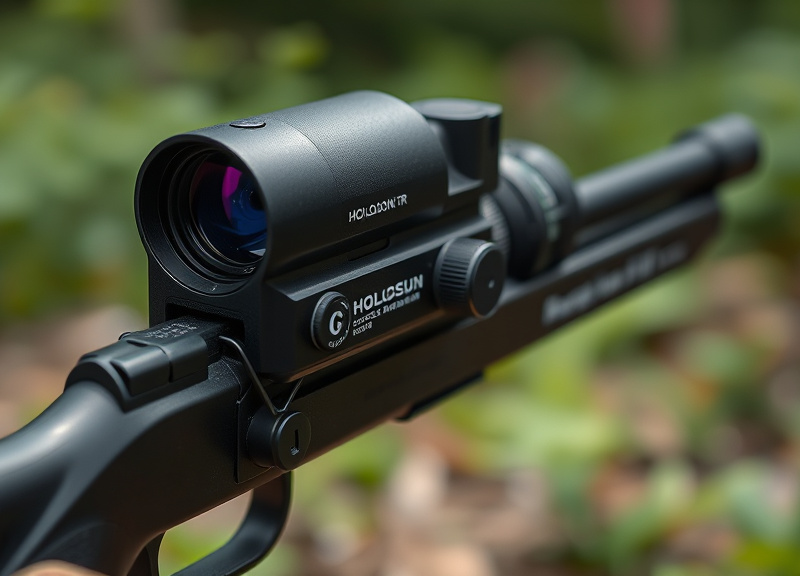
For most Holosun red dots with external buttons, such as the 403B or 510C, powering down simply requires pressing and holding the '+' or '-' brightness adjustment button for about three seconds. The reticle disappears instantly, indicating it’s off. Always use gentle pressure—excess force isn’t necessary and could potentially damage the buttons.
On some two-button models, either button works; for others, only one button controls power. Check the markings near the adjustment controls to confirm which applies to your model. This manual shutdown ensures you minimize power draw and optimize Holosun red dot battery life.
- Locate the '+' or '-' button
- Press and hold for 3 seconds
- Wait for reticle to turn off
Single-Button and Rotary-Controlled Models
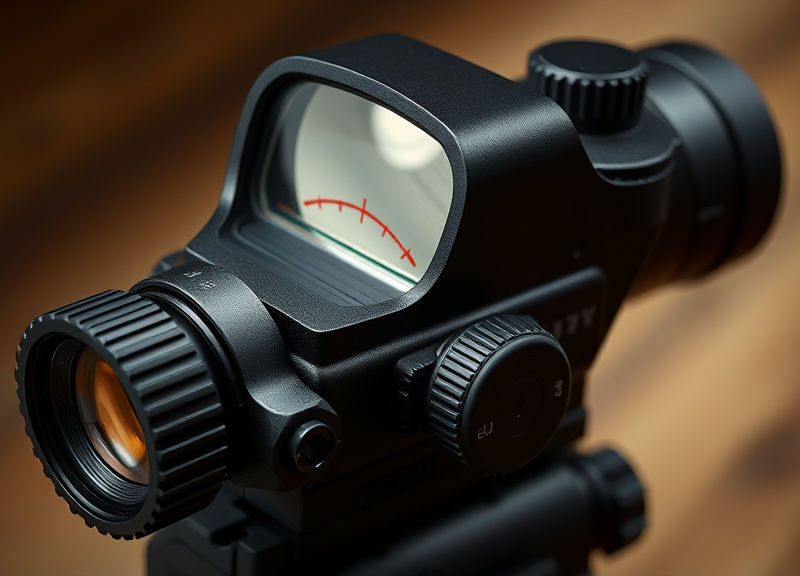
Select Holosun models, like some micro sights or models with a rotary switch, have a combined control for brightness and power. For rotary controls, turning the dial fully counterclockwise until it clicks will shut down the sight. If your model has a multi-function single button, press and hold as with dual-button setups.
Always double-check your model’s instructions, as some older or specialized models may deviate from this norm. This practice not only preserves battery life, but also ensures your optic is ready for future use.
Understanding Holosun’s Auto-Off and Shake Awake Features
How Auto-Off Works on Holosun Sights
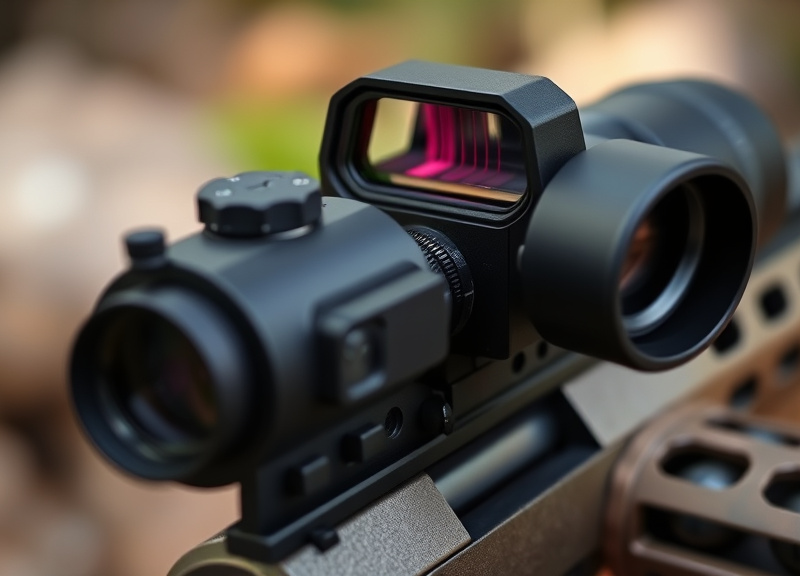
Modern Holosun red dots, particularly those with ‘Shake Awake’ technology, automatically turn off after a preset period of inactivity, typically ten minutes. This hands-free feature detects vibrations from movement to power up when handled, eliminating the need for manual shutoff in many scenarios.
Auto-off is factory set but is customizable in some models through digital controls. This feature greatly extends Holosun red dot battery life by ensuring the sight is never left on when not needed.
- No need to remember manual power-off
- Activates instantly upon movement
- Helps prevent dead batteries
Shake Awake: Instant-On When You Need It

Shake Awake technology wakes your Holosun sight from sleep as soon as movement is detected, allowing for seamless readiness without manual power-on. This innovative system conserves energy while providing quick deployment for home defense, range work, or competitive shooting.
For users who want a best-in-class Holosun red dot battery life, choosing a Shake Awake-equipped model is ideal. Make sure the feature is enabled and adjusted to your preference for time-out duration in your menu settings.
- Automatic wake from battery-saving mode
- No delay in sight activation
How to Confirm Your Holosun Red Dot Is Off
Visual Confirmation Steps
After attempting to turn off your Holosun, check through the lens: if the reticle is no longer visible, the sight is off. Double-check under both daylight and dim lighting conditions, as ambient light can sometimes cause the reticle to appear faint.
For backup, cycle through brightness settings after shutdown to ensure the diode does not reactivate inadvertently. Reliable shutoff is crucial for maximizing Holosun red dot battery life and preventing unwelcome surprises.
For more on this, see our related guide: How to Use a Red Dot on a Pistol: A Practical Guide for Beginners.
Using Battery Check and Manual Override
Some advanced Holosun models offer a low-battery indicator or manual override feature. If equipped, use these controls to confirm the sight status after powering off. Most basic models rely solely on reticle disappearance as confirmation, so become familiar with your sight’s feedback methods.
Verifying both visually and electronically reinforces battery-saving habits and helps catch early signs of button or circuit malfunction.
- Observe reticle
- Check for low battery warning
- Cycle buttons to confirm power-down
Holosun Red Dot Models: Manual versus Automatic Power-Off
Manual Shutoff Models
Manual shutoff models, like the Holosun HS403B, require pressing and holding a button to power down completely. These are favored by users who prefer direct control and aren’t concerned about occasionally forgetting to turn off their device.
A key advantage is simplicity, with virtually zero risk of accidental activation due to environmental vibrations.
- Two-button interface
- No auto-off features
- Suited for range or occasional use
Auto Power-Off and Hybrid Models
Hybrid and auto-off models, such as the 507C, combine the best of manual and automatic power management with both a physical off button and an auto-sleep function. This provides peace of mind for those seeking top Holosun red dot battery life.
These are ideal for professionals or frequent shooters who demand readiness but want battery preservation when not in use.
- Shake Awake technology
- Selectable sleep timers
- Manual override option
Troubleshooting: If Your Holosun Red Dot Won’t Turn Off
Common Causes of Power-Off Failure
If your Holosun red dot remains on after pressing the appropriate shutdown button, first check for stuck or debris-obstructed buttons. Residue from dust or moisture can cause the button to fail to register a long press.
Older models may also develop internal electrical faults or worn contacts over time. A careful visual check can often reveal external problems before seeking warranty service.
- Stuck or dirty control buttons
- Worn button contacts
- Software glitches (rare)
Reset and Maintenance Tips
To reset your Holosun sight, remove the battery for 30 seconds, then reinstall. This can clear temporary glitches. For persistent issues, consult Holosun technical support or refer to your warranty card.
Regularly checking and cleaning buttons prolongs sight life and ensures reliable operation for the best Holosun red dot battery life.
Optimizing Holosun Red Dot Battery Life
Settings to Maximize Battery Duration
To get the longest use from your Holosun, utilize the lowest effective brightness setting for your conditions, and enable auto-off or Shake Awake features if available. Storing your optic with the battery removed for long periods can further extend reliability.
Investing in quality CR2032 batteries also makes a difference for sustained Holosun red dot battery life and consistent performance during critical moments.
- Lower brightness settings extend battery
- Enable auto-off and Shake Awake
- Remove battery during long-term storage
For detailed instructions and model-specific manuals, you can always refer to Holosun’s official website for the latest updates and user resources. Holosun’s official website.
Replacing and Monitoring the Battery
Check and replace batteries regularly—most Holosun models deliver upwards of 20,000 to 50,000 hours on a quality cell. Consider selecting sights with low-battery warnings, and always keep a spare on hand for emergencies.
Consistent battery management ensures your optic is powered up and ready, whether you rely on manual shutoff or automatic features.
- Replace batteries every 1-2 years
- Monitor battery warnings
- Always carry a spare
Holosun Red Dot Power Features Comparison
Here’s how the main Holosun red dot sight models compare across manual, automatic, and combined power control options for convenience and battery life.
| Model | Power-Off Control | Auto-Off/Shake Awake | Battery Life (est.) | Use Case |
|---|---|---|---|---|
| HS403B | Manual button | No | 50,000 hrs | Range/recreational |
| HE403R | Rotary click-off | No | 100,000 hrs | Hunting/precision |
| HE510C | Manual button | Yes (Shake Awake) | 50,000 hrs | Tactical/competitive |
| HS507C | Manual or auto | Yes (Shake Awake) | 50,000 hrs | EDC/professional |
| HS403C | Manual button | Solar failsafe | 50,000 hrs | Outdoor/long term |
| 507K | Manual and auto | Yes (Shake Awake) | 50,000 hrs | Concealed carry |
Frequently Asked Questions
Why does my Holosun red dot turn off automatically?
Many Holosun optics feature an auto-off or Shake Awake function, which shuts down the reticle after a set period of inactivity to conserve battery life. Movement instantly reactivates the sight, ensuring readiness without needing to turn it back on manually.
What if my Holosun red dot won’t power down?
Check for stuck or dirty buttons and try a battery reset. If the issue persists, review the user manual and contact Holosun customer support, as a faulty switch or circuit might require professional servicing or replacement under warranty.
Does turning off the red dot sight increase battery life?
Yes, manually turning off your Holosun sight when not in use will greatly extend battery life. Using auto-off or Shake Awake models also helps minimize unnecessary battery drain, especially during extended storage or transport.
How do I know if my sight has Shake Awake?
Models with Shake Awake usually mention it on the body, packaging, or in the manual. Look for sleep timer customizations within the brightness control settings. Popular Shake Awake-equipped sights include the 510C, 507C, and 507K series.
What battery do Holosun red dots use?
Most current Holosun red dot sights use a CR2032 lithium coin cell, which balances compactness with longevity. Some solar models supplement battery power with light, further extending service life when regularly exposed to sunlight.
Key Takeaways
- Most Holosun red dots turn off by holding a control button for 3 seconds.
- Auto-off and Shake Awake features maximize battery life and convenience.
- Always confirm your sight is off by checking the reticle view.
- Regular battery maintenance keeps your optic reliable and ready.
Conclusion
Mastering how to turn off a Holosun red dot isn’t just about pressing the right button—it’s about understanding your specific model’s controls, confirming the sight status, and integrating power management into your routine. Whether your optic relies on manual shutoff or advanced auto-off features, familiarizing yourself with these differences is crucial for preserving both battery life and readiness. With attention to these details, users can maximize the optic’s performance while minimizing frustrations on the range or in high-stakes field environments.
For shooters running button-only models like the HS403B, the process is straightforward: press and hold the designated button to ensure a complete power-down after use. Those using enhanced models—such as the HE510C or HS507C—benefit from the added security of auto-off and Shake Awake features, perfect for carry, defense, or patrol where you can't always remember to power down. If Holosun red dot battery life is your top concern, opt for auto-off models or use brightness and storage tips from earlier sections. Always double-check with your specific user manual for model-unique quirks.
Ultimately, whether you’re new to Holosun optics or upgrading to a feature-rich model, practice the shutdown steps until they’re second nature and check your sight’s status at the end of every session. Staying vigilant protects your investment and ensures your red dot is always ready when you need it most. If in doubt, explore Holosun’s support resources or consult the manual to keep your optic operating at its peak.